
Collect your fees/The film
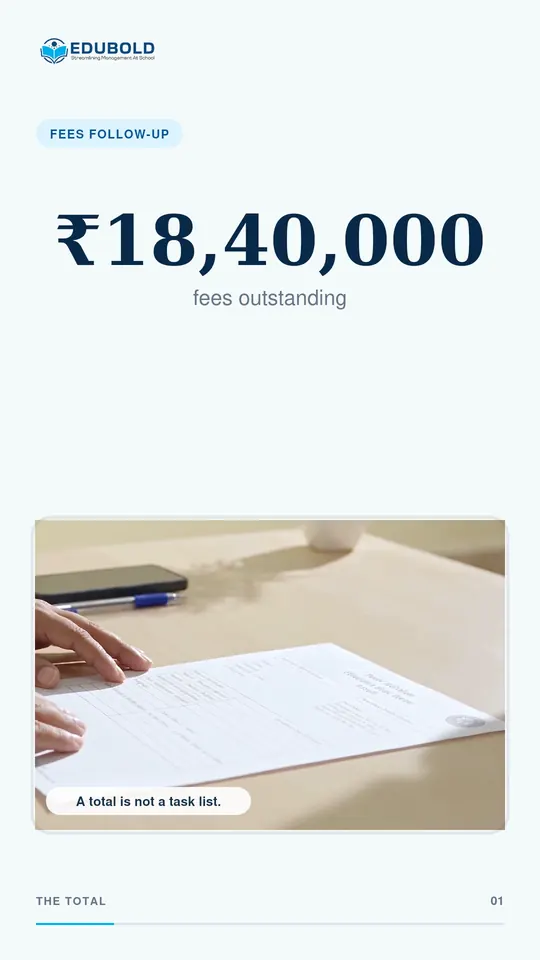
₹18.4 lakh is outstanding. Who do you actually call?
An outstanding total tells the school there is a problem. It does not tell the office what to do next. EduBold narrows the figure into a list of the families who need a call.
Collect your fees/The problem today
The report gives you a total, and a total has no phone number.
Most fee reports end in one figure: the amount still due. It is the right number for the committee and the wrong one for the office.
So somebody builds a call list by hand from the student ledgers, class by class. By the time it is finished, some of those families have already paid.
Not a total. A worklist.
Collect your fees/In the film
The same figure, narrowed to a list.
- Outstanding across the school₹18,40,000
- Students on the roll2,140
- With a bill overdue40
- In Class 4, to call today9
Collect your fees/What EduBold changes
From the figure to the families, in the order the office works.
- Start from the outstanding figure.
The class-wise report shows billed, collected and outstanding for each class, so you can see where collection is lagging.
- Narrow it to the families.
The defaulters report lists each student with a bill overdue, with the parent’s contact details and the overdue detail already attached.
- Take the batch you will handle today.
Filter the list to one class, so the person making the calls has a list they can finish.
- Payments update as they are taken.
A payment at the counter posts at once, so a family that paid this morning is not rung this afternoon.
What EduBold does here
- Lists every student with an overdue bill, with parent contact details and the overdue detail
- Shows billed, collected and outstanding by class
- Logs every reminder per bill and per student, so one rule does not contact the same parent twice
- Exports every fee report to Excel, CSV or PDF
Collect your fees/Questions
What a school asks about this.
Does the defaulters list include the parent’s phone number?
Yes. The defaulters report carries the parent’s contact details with the overdue detail, so the person making the calls does not have to look each family up.
How do fee reminders reach parents?
By email and push notification, from reminder rules the school sets. Every reminder is logged per bill and per student.
Can we export the list?
Yes. Every fee report exports to Excel, CSV or PDF.
Read what the film says
Your report says eighteen lakh forty thousand rupees are outstanding. But who do you actually call? EduBold turns one total into a clear worklist. From two thousand one hundred forty students, to forty overdue, to nine in Class Four. See exactly who needs action, and when payments update live. Not a total. A worklist. EduBold. Turn pending fees into action.
Collect your fees/More films
More from EduBold, under a minute each.
Read the full page, Collect your fees. Or see every film.
Next
See it with your own school’s records.
A demo is half an hour, and it runs on your data, not our sample. Tell us this film is the part you want to see, and we will start there.