
Know every child02 / 11
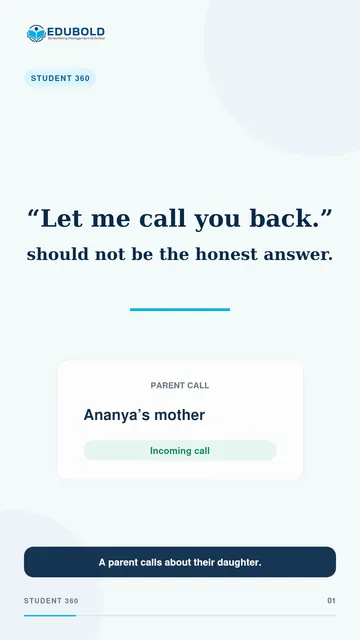
A parent is on the phone. The answer is in four different places.
Attendance is with the class teacher. The fee position is with the office. Marks are with the exam clerk. The medical note is in a file. None of them are wrong. They are just not in the same place, and the parent is still holding.
The problem today
Nothing is wrong. It is just not in the same place.
- Answering one parent’s question means calling two colleagues.
- The health information exists, but not where a teacher can reach it.
- Nobody can see a child’s whole history across sessions in one view.
- Promotion at year end is done class by class, by hand.
- Producing a list that combines a few particular details means asking someone technical.

What EduBold changes
One screen holds one child.
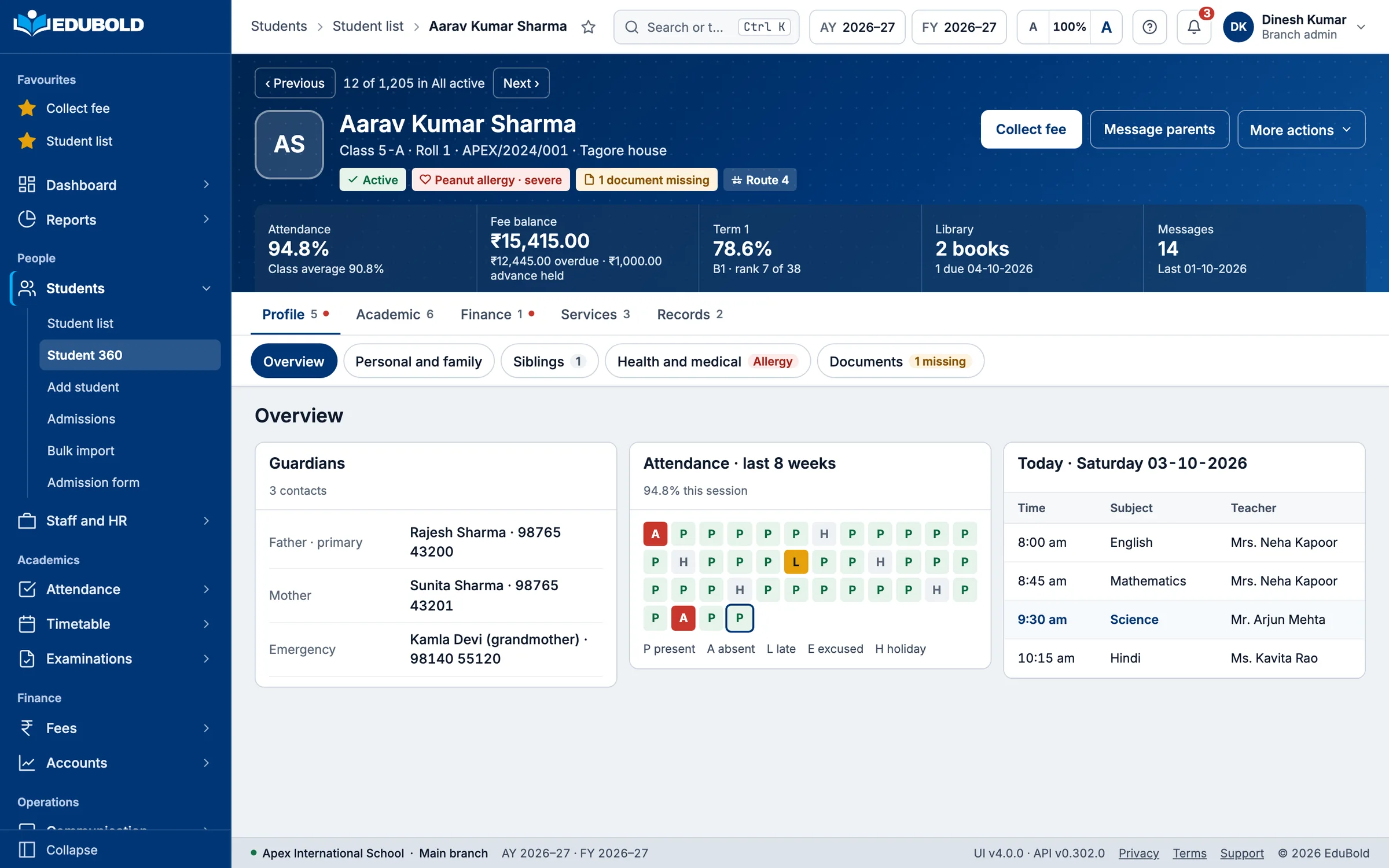
One screen holds one child
Sixteen sections, on one student. Attendance, by month, year and session. Fees, with invoices and payments. Exam results and academic history. Their subjects, and who teaches each one. Library records, messages and the activity log. Health, siblings, awards, discipline and transport.
The parent is still on the phone when you have the answer.
The record is deep enough to be useful
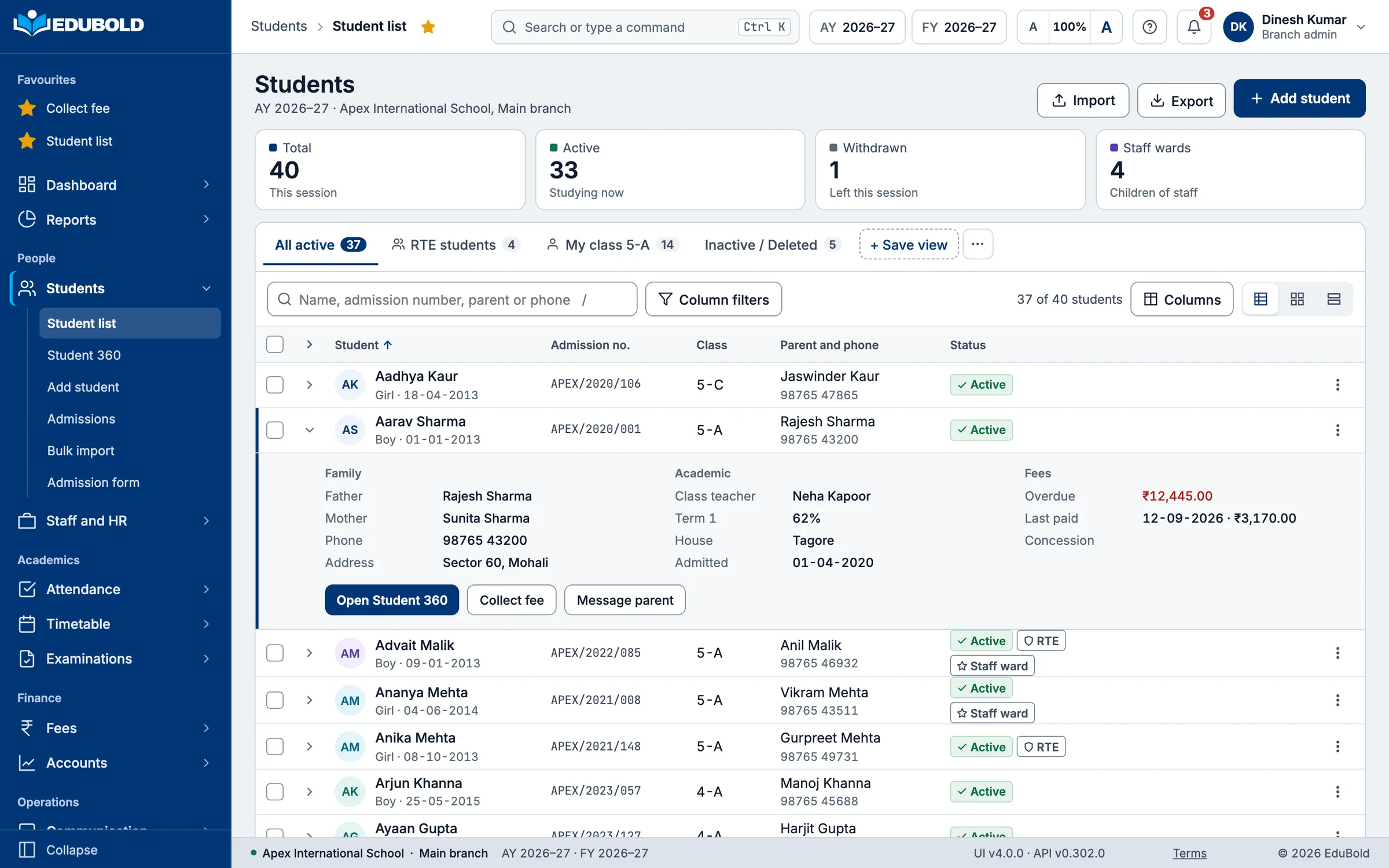
Sixty-four separate operations on the student profile alone. Educational history, documents, awards, activities, caregivers, siblings.
Any combination works, so “girls in Class 9 who take Biology and have fees outstanding” is a list you build yourself, in a few clicks, rather than a request to somebody technical.
Tags behave like policies
Tag a student and behaviour follows the tag rather than being applied by hand each time.
Year end is one operation
Bulk promotion moves a whole class into the new session. Not student by student, and not a spreadsheet import.
Reports you can shape yourself
Pick your fields from a catalogue, export to file or PDF, with addresses and session progress resolved for you. The list the board asks for in a particular format is something the office can produce, rather than a development request.
Onboarding an existing school
Bulk student import brings an existing school’s whole roll across, including caregivers, rather than a term of data entry.
The detail that decides it
The sheet a teacher takes on a school trip.
A class is going out for the day. The teacher needs one page: which children have allergies and how severe, who carries medication, blood groups, and who to call.
It prints from the health records that are already in the system. There is also a per-child emergency card for the school bag, and a school-wide list of every student with a critical condition.
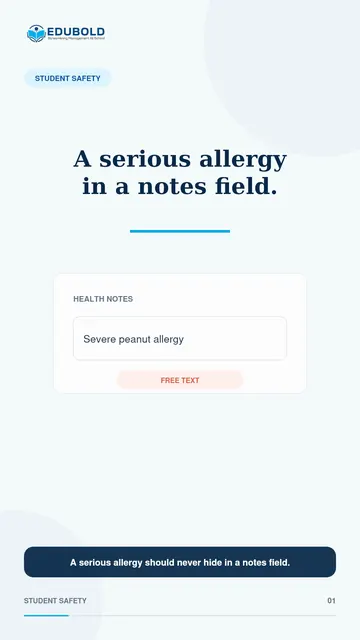
Allergies are not a free-text note here. They carry a type and a severity, which is what makes the list sortable and the summary trustworthy. Blood group is searchable across the whole school, which matters roughly once every few years and matters enormously on that day.
No school buys software for this. Every principal understands immediately why it is on the page.
Know every child/On the sheet
- Allergies, by type and severity
- Who carries medication
- Blood groups
- Who to call
For the management committee
Two things here are governance rather than convenience.
Duty of care. A school that cannot produce, in a minute, the medical information for a class that has just left the premises has a problem it has not yet had. The class health summary and the emergency card exist for that minute.
Data protection. Student records are the most sensitive data the school holds. Every record is isolated by school and branch at five independent layers including database-level enforcement, and every access is logged.
Know every child/Short films
See it in under a minute.
Each film opens on its own page, with the worked example, the questions schools ask and the full transcript.
Next
Bring your hardest question.
Half an hour, on the problems your school actually has. Bring the thing your current system cannot do, and you will watch EduBold run it against your own rules before you decide anything.