
Close your books09 / 11
Your accountant should not spend April rebuilding the year.
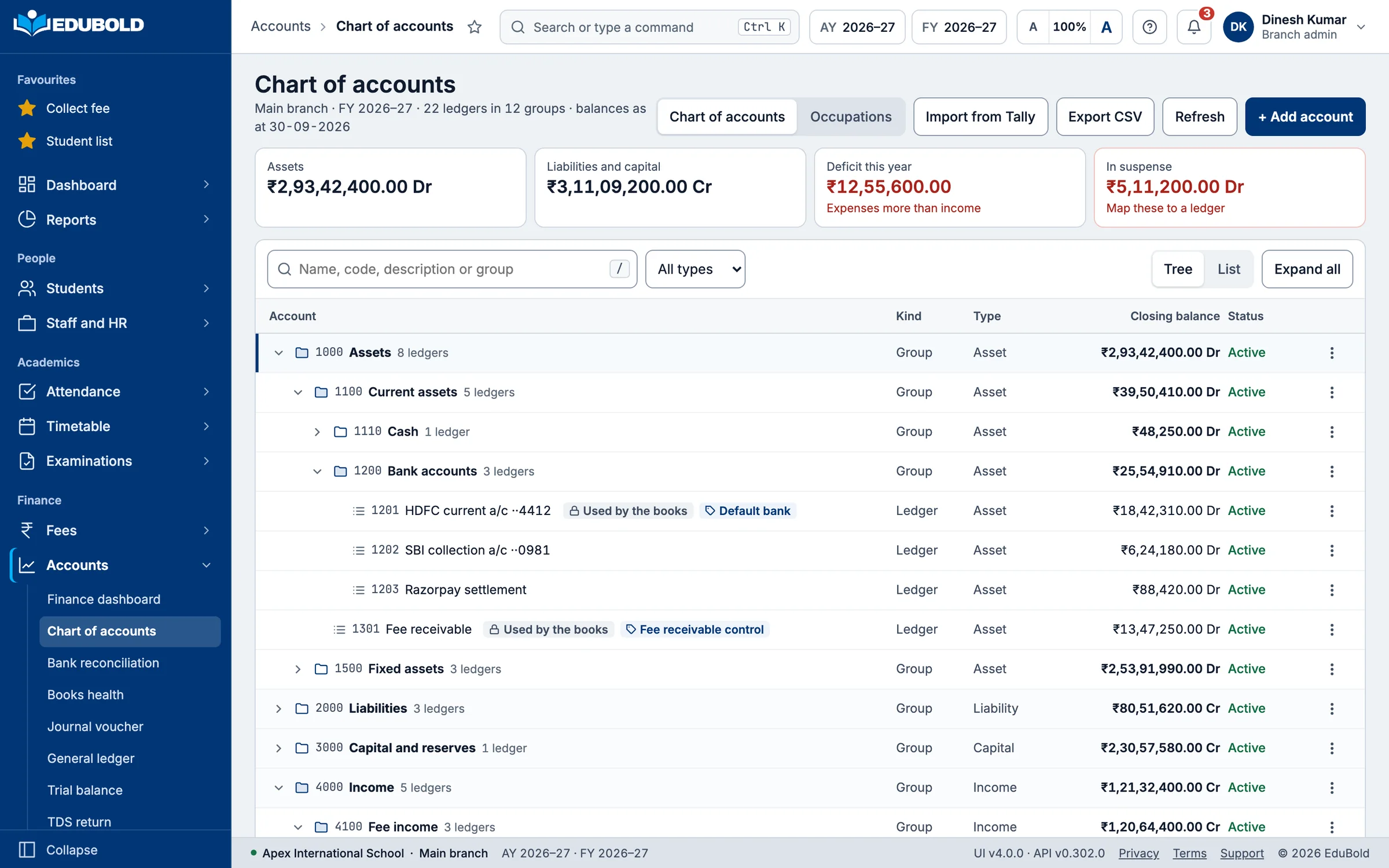
In most schools the fee software and the accounts are two different worlds joined by a person with a spreadsheet. Everything that person does between them is reconciliation, and every hour of it is an hour spent proving that two systems agree. They agree here because there is only one of them.
Close your books/The problem today
Two systems, and a person whose job is proving they agree.
- Fee collection is exported monthly and journal entries are made from the export.
- Payroll is a separate exercise, posted separately, usually late.
- The trial balance is assembled rather than generated.
- Audit means the accountant reconstructing schedules the way the CA wants them.
- Nobody is certain the fee report and the ledger agree until somebody checks.
- The books close weeks after the financial year has ended.

Close your books/What EduBold changes
EduBold keeps real double-entry books, not a fee ledger with a label.
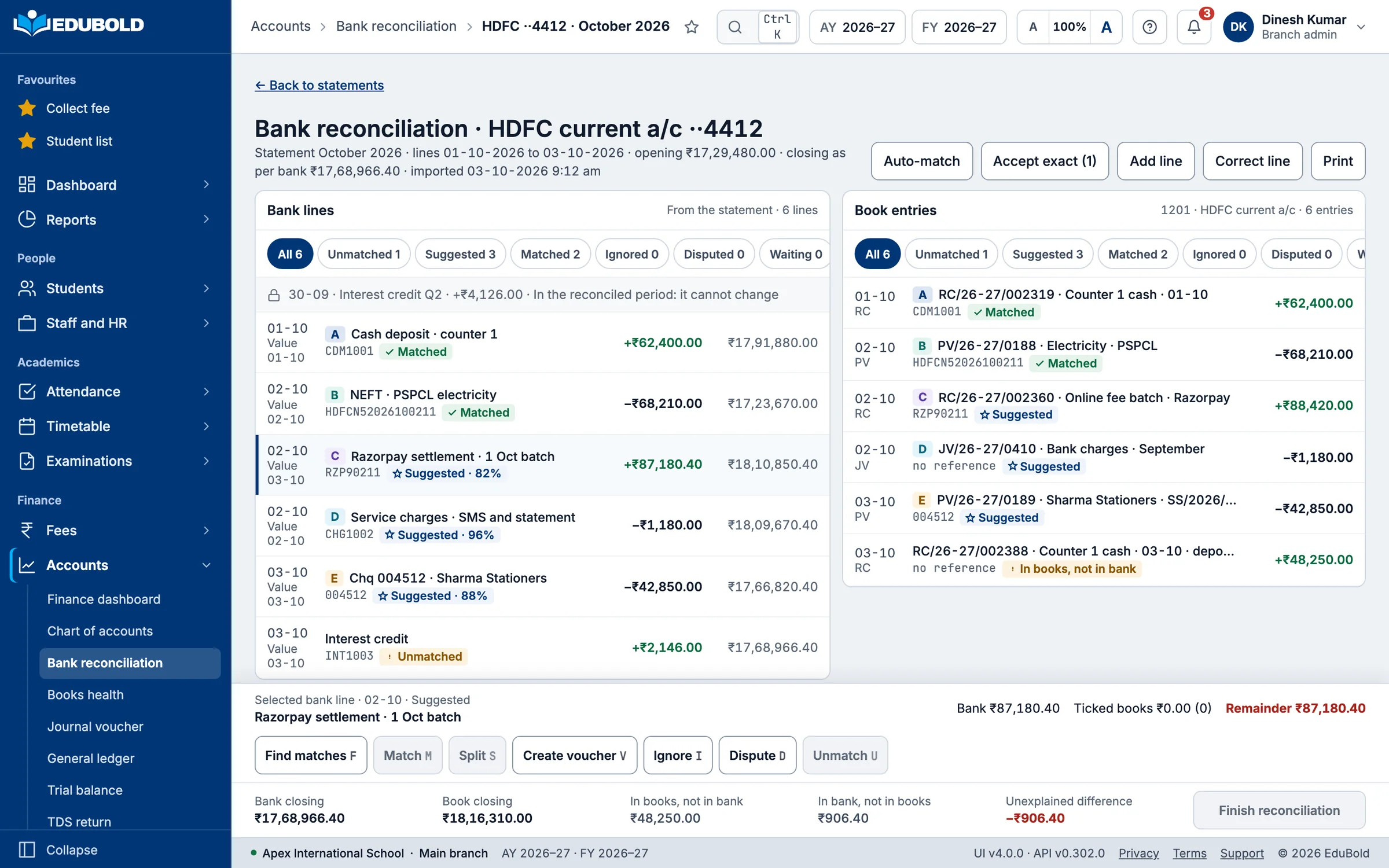
Every entry balances before it is allowed to exist.
Every transaction produces a balanced journal entry, posted to the general ledger and to the account it belongs to. Debits must equal credits before an entry can be saved.
The lifecycle is enforced: draft, posted, reversed. A reversal creates a proper offsetting entry and requires a reason. Entries can be approved before posting. Nothing is silently edited.
Fourteen voucher types, cost-centre tagging on any transaction, and configurable posting and account-mapping rules, so the accounting logic is configuration rather than something compiled in.
Fees and payroll post themselves.
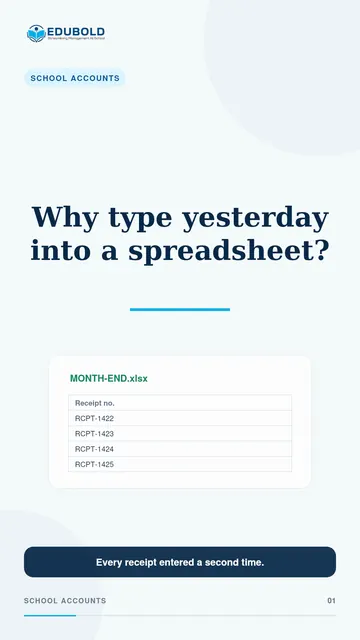
A receipt collected at the counter becomes a journal entry as it is written. A finalised payroll run posts salary, PF, ESI and TDS.
There is no export, no import and no month-end data entry. This is the single largest difference between this and a fee system with an accounts module bolted on.
Five statements, generated.
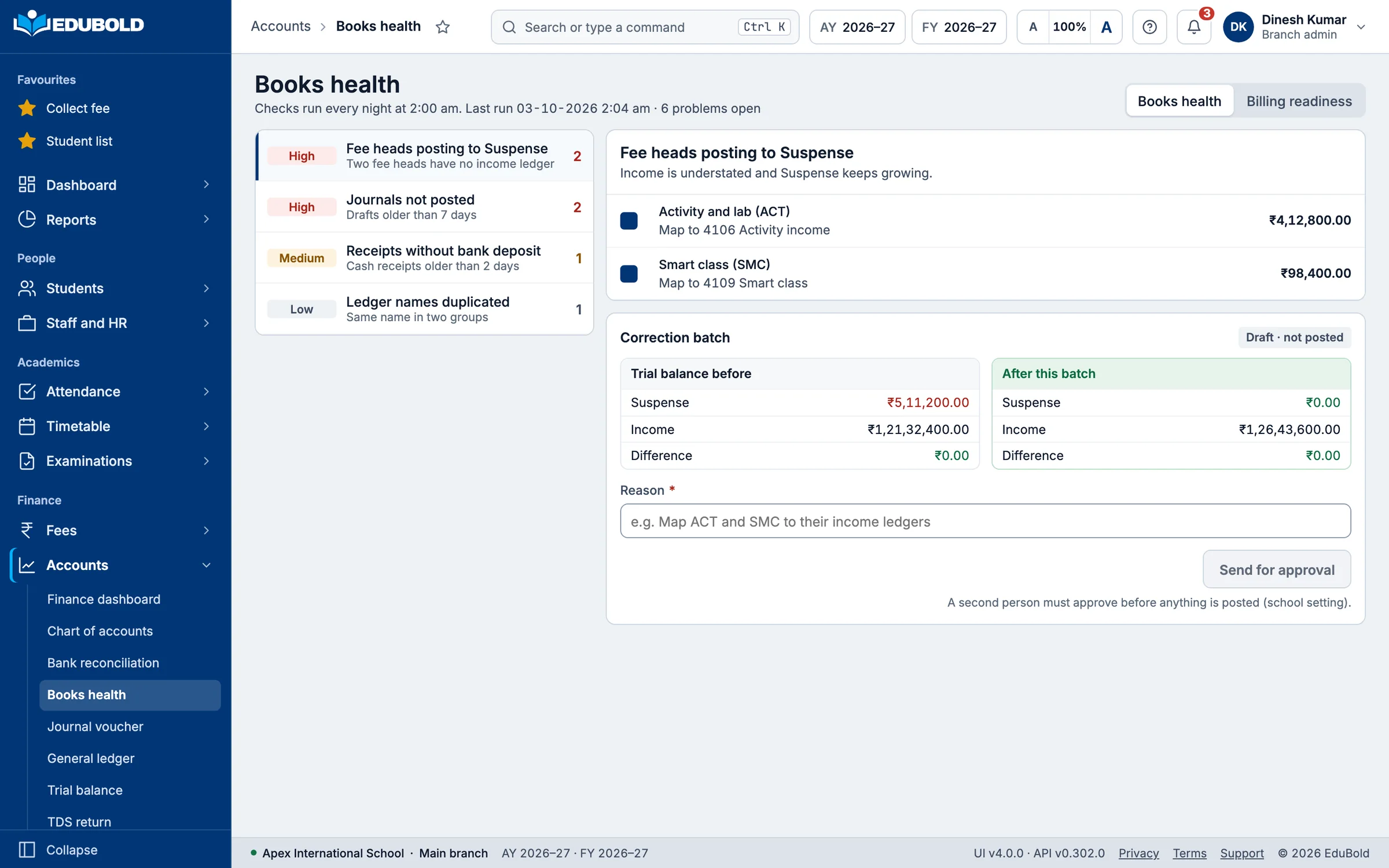
Trial Balance, Balance Sheet, Profit and Loss, Cash Flow and Fund Flow, each with year-on-year comparison. Cash Flow in the direct or the indirect method.
Working capital, revenue from operations and profit before tax are computed rather than derived by hand. Receivables and payables ageing on demand, including as at a past date.
Your CA’s schedules, numbered their way.
There is no statutory format for a trust audit, which is why generic accounting software cannot help here. Audit report schedules are custom and custom-numbered. Twelve sensible ones ship on day one and you change them to match your auditor.
Companies Act Schedule III mapping means accounts are classified once and the statutory statements format themselves.
Bank reconciliation that does most of the work.
Import the bank’s own statement file and run auto-matching. Match a line to a journal entry or a transaction, unmatch it, ignore it, or dispute it.
Confirm all matched entries in one action and generate the reconciliation report the auditor wants.
Fixed assets, properly.
Asset classes with Schedule II depreciation and depreciation schedules. Calculate depreciation for one asset or a whole period, look at the number, and then post it, rather than posting and discovering.
Disposal is recorded. Assets transfer between branches. Units-of-production depreciation exists for vehicles and equipment, where time-based depreciation is the wrong answer.
Tally survives.
Ledger and voucher-type mapping, XML export, sync orchestration and a full sync log with states you can watch: in progress, completed, failed, reset.
If your CA wants it in Tally, it goes to Tally. That is not a migration you have to win before you can start.
The year closes, and stays closed.
Lock the financial year and nothing gets back-dated into it afterwards. You can re-open it deliberately if you must, and the fact that you did is recorded.
Close your books/The detail that decides it
Backfilling the year you have already had.
There is a function that generates the accounting entries for fee transactions retrospectively.
This matters at exactly one moment, and that moment decides whether a school adopts the accounts module at all. You are moving across in November. You already have seven months of fee collection recorded. Without this, you either abandon that history or have someone post it by hand.
Nobody asks about this in a demo. Everybody needs it in month two.
Close your books/For the management committee
Bring your CA to the demo.
The short version, for trustees and management. The books are written as the school operates, not assembled afterwards. The statements generate rather than being compiled. The audit schedules are your auditor’s own. The financial year locks. And Tally still works.
Twenty minutes of expert questioning will establish more than any brochure, and this is the part of EduBold built to answer it.
Close your books/Short films
See it in under a minute.
The film opens on its own page, with the worked example, the questions schools ask and the full transcript.
Next
Bring your hardest question.
Half an hour, on the problems your school actually has. Bring the thing your current system cannot do, and you will watch EduBold run it against your own rules before you decide anything.