
Reach every parent/The film
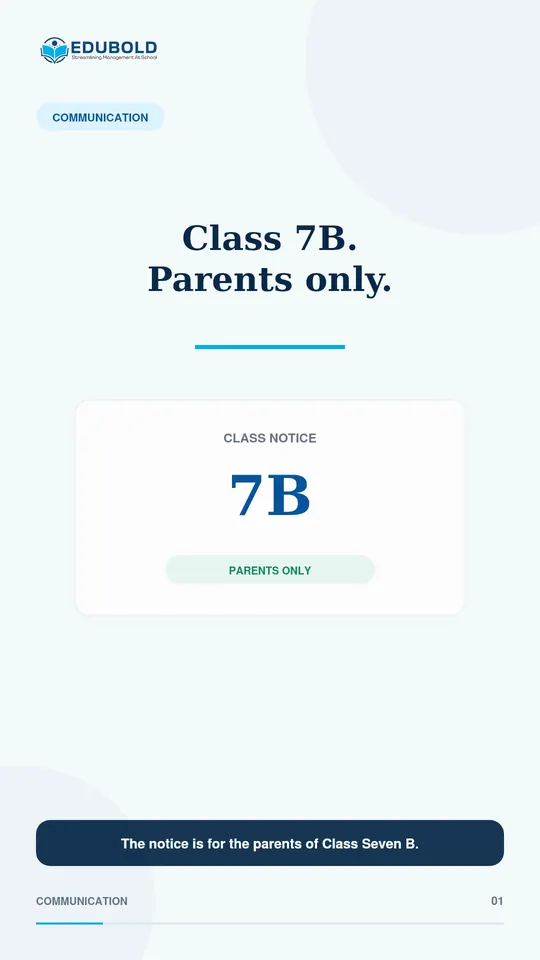
A notice for 7B should reach only the parents of 7B.
Before a message is sent, EduBold turns the chosen class into the actual students and parents it will reach. The office checks the count, and the notice goes only to the group it is for.
Reach every parent/The problem today
One wrong selection, and the whole school gets it.
The notice is for the parents of Class 7B. The office picks the audience from a list, and it is easy to pick the wrong one.
Sent to the whole school, it reaches hundreds of parents it has nothing to do with.
Only the parents of 7B.
Reach every parent/In the film
What the office checks before it sends.
- ChosenClass 7B
- Turned intoIts students and parents
- Checked before sendingThe count
- Sent toThat class only
Reach every parent/What EduBold changes
Choose, check, send.
- Choose the class.
Pick the class or group the notice is for.
- Check the audience.
EduBold turns the choice into the actual students and parents, and shows how many there are.
- Send it.
The notice goes to that group by email and push notification.
What EduBold does here
- Turns a class or group into the exact students and parents it covers
- Shows the audience count before anything is sent
- Sends to a whole class or group at once
- Cancels a pending message before it is delivered
Reach every parent/Questions
What a school asks about this.
Can I see who will receive a message before it is sent?
Yes. EduBold lists the audience first and shows the count, so the office can check it.
Can a message go to one class only?
Yes. Choose the class, and it reaches that class’s students and parents.
What if the wrong group was chosen?
A pending message can be cancelled before it is delivered.
Read what the film says
The notice is for the parents of Class Seven B. One wrong selection, and the whole school receives it. EduBold resolves the target before the message is sent, so the office can confirm exactly which students and parents are included. Choose the class, review the audience count, and send to the group that actually needs the notice. Only the parents of Seven B. Not eight hundred people who did not ask for it.
Reach every parent/More films
More from EduBold, under a minute each.
Next
See it with your own school’s records.
A demo is half an hour, and it runs on your data, not our sample. Tell us this film is the part you want to see, and we will start there.