
Take the register/The film
The attendance punch becomes the payslip.
Attendance should carry on into payroll instead of being read, copied and typed in again by several people. In EduBold, one absence travels from the device to loss of pay and the salary.

Take the register/The problem today
One absence, three people and a calculator.
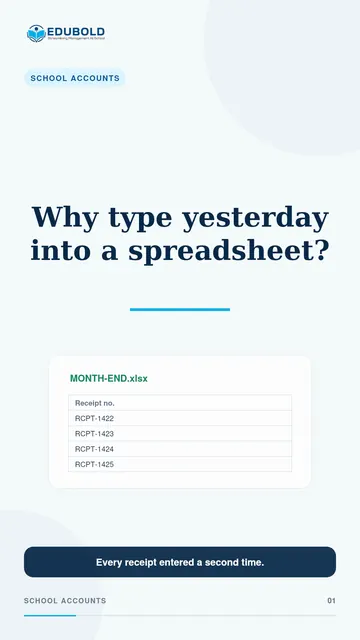
A teacher was absent on the ninth, and the device recorded it. Then somebody read the device report and wrote it on a sheet.
Somebody else typed that sheet into payroll and calculated the deduction by hand. Two of those steps can go wrong, and nothing would catch it.
One fact, one journey, no retyping.
Take the register/In the film
The journey one absence takes.
- The punchSent by the device
- The registerMarked, with its source
- The monthA loss-of-pay day
- The salaryPaid ÷ working days
Take the register/What EduBold changes
What the office sets up, once.
- Register the device.
Add a biometric device from the screen. It sends each punch to EduBold as it happens.
- Watch the sync.
Each device shows its sync status, so one that stops reporting is visible at once, not at month end.
- Summarise the month.
Generate the monthly attendance summary for all staff in one action, then recalculate or finalise it.
- Run payroll.
Finalised summaries feed the payroll run. Loss of pay prorates the salary on paid days divided by working days.
What EduBold does here
- Receives each punch from biometric devices as it happens
- Shows each device’s sync status, and records where every mark came from
- Turns absences into loss-of-pay days
- Prorates salary on paid days divided by working days
Take the register/Questions
What a school asks about this.
Which attendance devices work with EduBold?
Biometric devices that can send their punches over the internet. EduBold accepts different device formats, so tell us your model when you book a demo and we will check it.
How is loss of pay calculated?
The salary is prorated on paid days divided by working days, from the finalised attendance summary.
Can an attendance mistake be fixed before payroll closes?
Yes. A monthly summary can be unfinalised, corrected and finalised again before the run closes.
Read what the film says
Follow one fact through your school. A teacher was absent on the ninth. The device recorded it. Then somebody read the device report, wrote it on a sheet, and somebody else typed that sheet into payroll and calculated the deduction on a calculator. Three humans, two of whom could make a mistake nobody would catch. In EduBold that fact travels by itself: the punch arrives by webhook, becomes attendance, becomes a loss-of-pay day, and prorates the salary on paid days divided by working days. One fact, one journey, no re-keying.
Take the register/More films
More from EduBold, under a minute each.
Read the full page, Take the register, or Pay your staff. Or see every film.
Next
See it with your own school’s records.
A demo is half an hour, and it runs on your data, not our sample. Tell us this film is the part you want to see, and we will start there.