
Know every child/The film
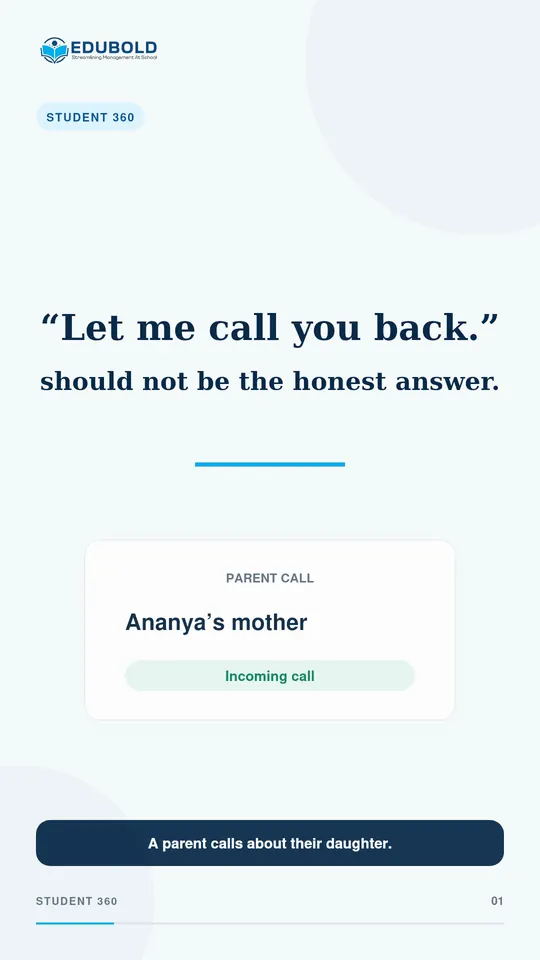
A parent is on the phone. One screen should answer them.
A parent’s question should not need five screens and two phone calls. EduBold Student 360 brings one child’s records together, so authorised staff can answer while the parent is still on the line.
Know every child/The problem today
Five screens and two phone calls, for one question.
A parent rings about their daughter. A proper answer needs her attendance, her fee position and her last results. It may also need a library book and a note about her asthma.
Kept in separate places, that becomes “let me call you back”, and everybody has come to accept it.
Sixteen sections. One child.
Know every child/In the film
What is on the one screen.
- Overview and attendance2
- Fee summary, invoices, payments3
- Results, academic history, subjects and teachers3
- Library, messages, activity3
- Health, siblings, awards, discipline, transport5
- Sections on one screen16
Know every child/What EduBold changes
How the call goes instead.
- Find the child.
Search by name from the one box at the top of the screen.
- Open the record.
Sixteen sections load on one screen, from attendance to transport.
- Answer on the call.
Fees, results and health are side by side, so the answer does not wait for a call back.
What EduBold does here
- Shows sixteen sections of one student’s record on one screen
- Puts the fee summary, invoices and payments beside attendance and results
- Includes health, siblings, awards and library records
- Follows the school’s roles and permissions for who sees what
Know every child/Questions
What a school asks about this.
Who can see a student’s health information?
Authorised staff. Access follows the roles and permissions the school sets, so the school decides who sees what.
Does Student 360 include fees?
Yes: the fee summary, invoices and payments, alongside attendance, results and the rest of the record.
What does Student 360 show about transport?
The transport location the student is assigned to, and the transport fee billed for it.
Read what the film says
A parent rings about their daughter. To answer properly you need her attendance, whether the fees are clear, her last exam results, the library book she has not returned, and the note about her asthma. That is five screens and two phone calls, so the honest answer is “let me call you back”, and everybody accepts that as normal. In EduBold it is one screen. Sixteen sections on one child: attendance, fees, invoices, payments, results, academic history, subjects and their teachers, library, messages, activity, health, siblings, awards, discipline, transport.
Know every child/More films
More from EduBold, under a minute each.
Next
See it with your own school’s records.
A demo is half an hour, and it runs on your data, not our sample. Tell us this film is the part you want to see, and we will start there.