
Fill your seats/The film
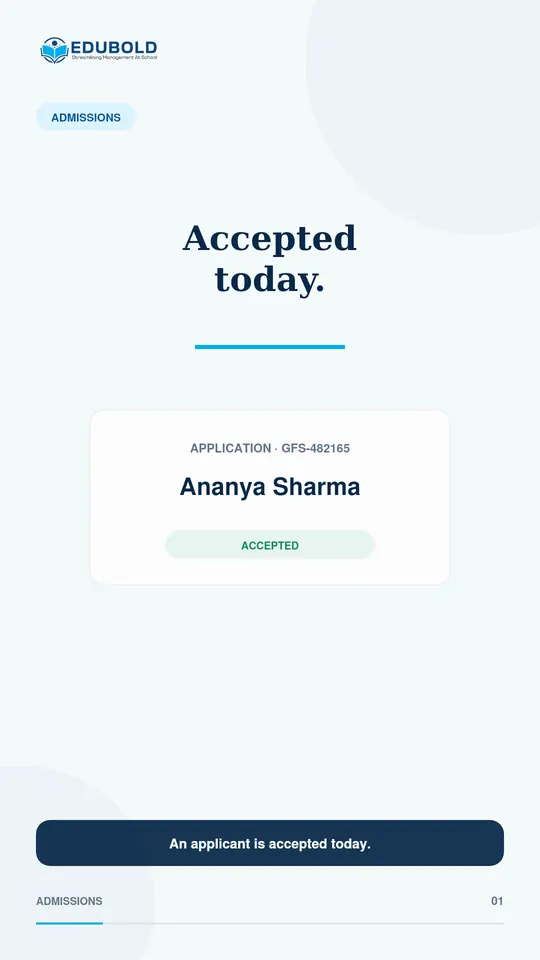
Accepted today. Enrolled and logged in today.
Accepting a child should finish the admission, not start another round of typing. EduBold carries the submitted details into the enrolled student record and creates the login with it.
Fill your seats/The problem today
Accepting a child should not start a second round of typing.
In many systems, the office types the accepted child into the student register again. Then somebody creates a login.
Then somebody else checks that the two records match, and they do not always.
Accepted today. Logged in today. No second entry.
Fill your seats/In the film
What the one step does.
- Carried forwardThe submitted details
- CreatedThe student record
- CreatedThe student’s login
- GeneratedStudent and admission numbers
- Typed againNothing
Fill your seats/What EduBold changes
From application to enrolled student.
- Move the applicant along.
The admission pipeline runs from inquiry through review and interview to a decision.
- Accept.
Record the decision. The parent can accept the seat online.
- Convert in one step.
The registration becomes the enrolled student record, and the login is created with it.
- Numbering follows your format.
Student and admission numbers are generated automatically, in the format the school sets.
What EduBold does here
- Converts an accepted registration to an enrolled student in one step
- Creates the student’s login at the same moment
- Generates student and admission numbers to the school’s format
- Handles new, lateral, transfer and re-admission types
Fill your seats/Questions
What a school asks about this.
Does the office have to type the student in again?
No. The details the parent submitted carry forward into the student record.
When is the student’s login created?
In the same step that creates the student record.
Can a mid-year transfer be admitted?
Yes. EduBold has four admission types: new, lateral, transfer and re-admission.
Read what the film says
An applicant is accepted today. In many systems, the office types the same child into the student register again. Then somebody creates another login and checks that both records match. EduBold turns the accepted registration into the enrolled student record in one step. The submitted details carry forward, and the student login is created with the record. Accepted today. Logged in today. No second entry.
Fill your seats/More films
More from EduBold, under a minute each.
Read the full page, Fill your seats. Or see every film.
Next
See it with your own school’s records.
A demo is half an hour, and it runs on your data, not our sample. Tell us this film is the part you want to see, and we will start there.